Zuper + RoofScope
Your team already lives in Zuper. Now they can order roof, gutter, and siding measurement reports from RoofScope right from the job page, and the data comes back on its own.
Three steps. No tab-switching.
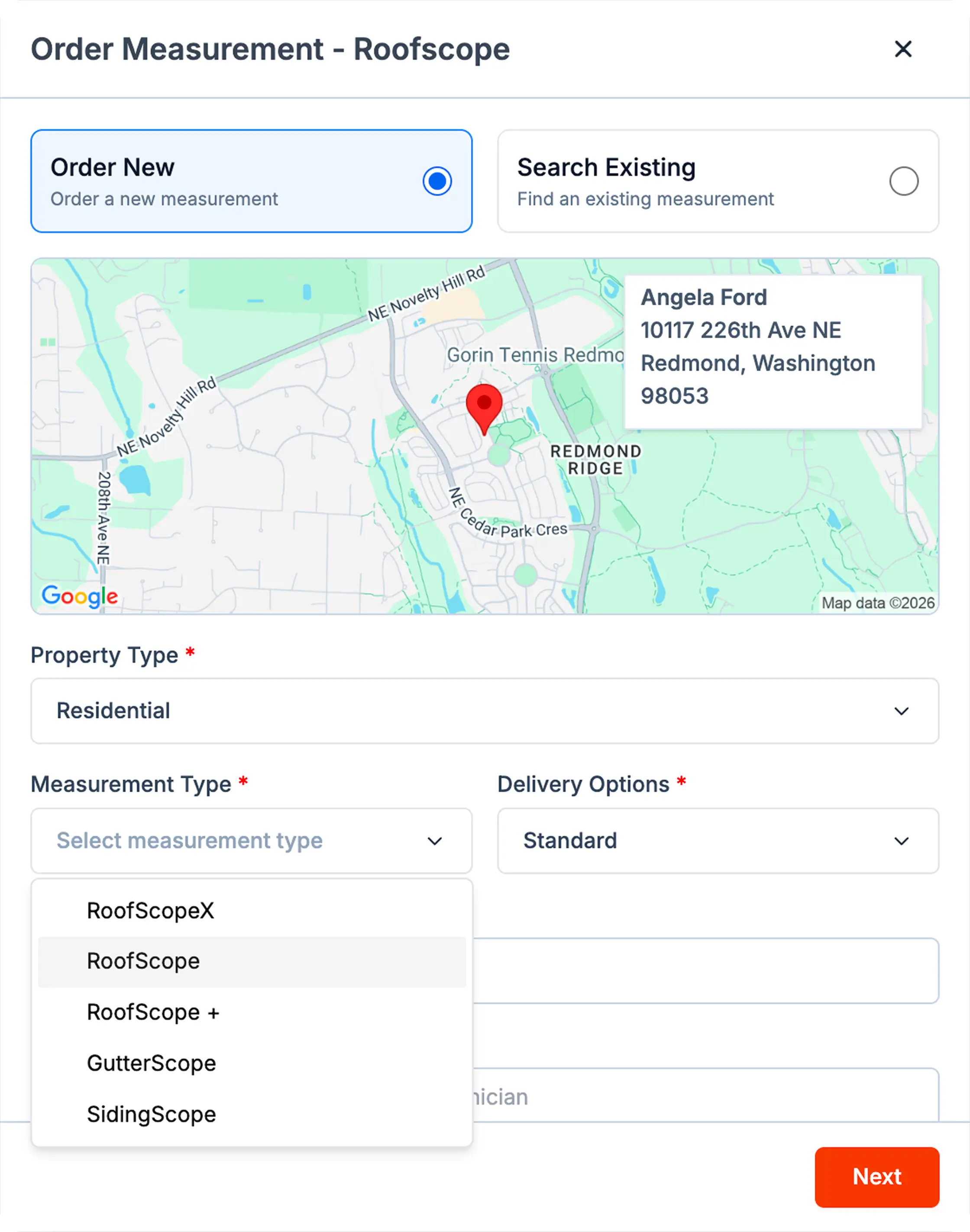
Place the order from the job
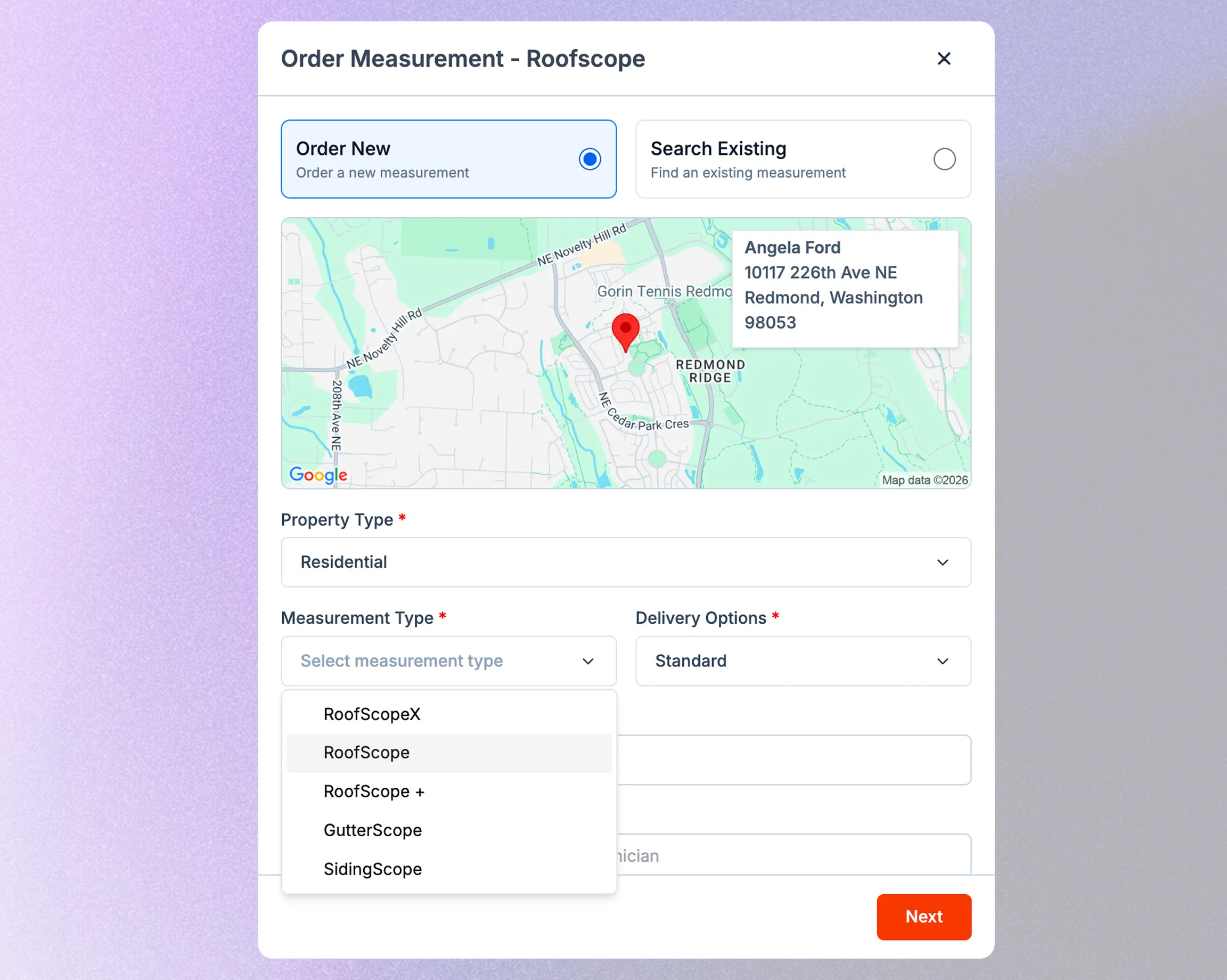
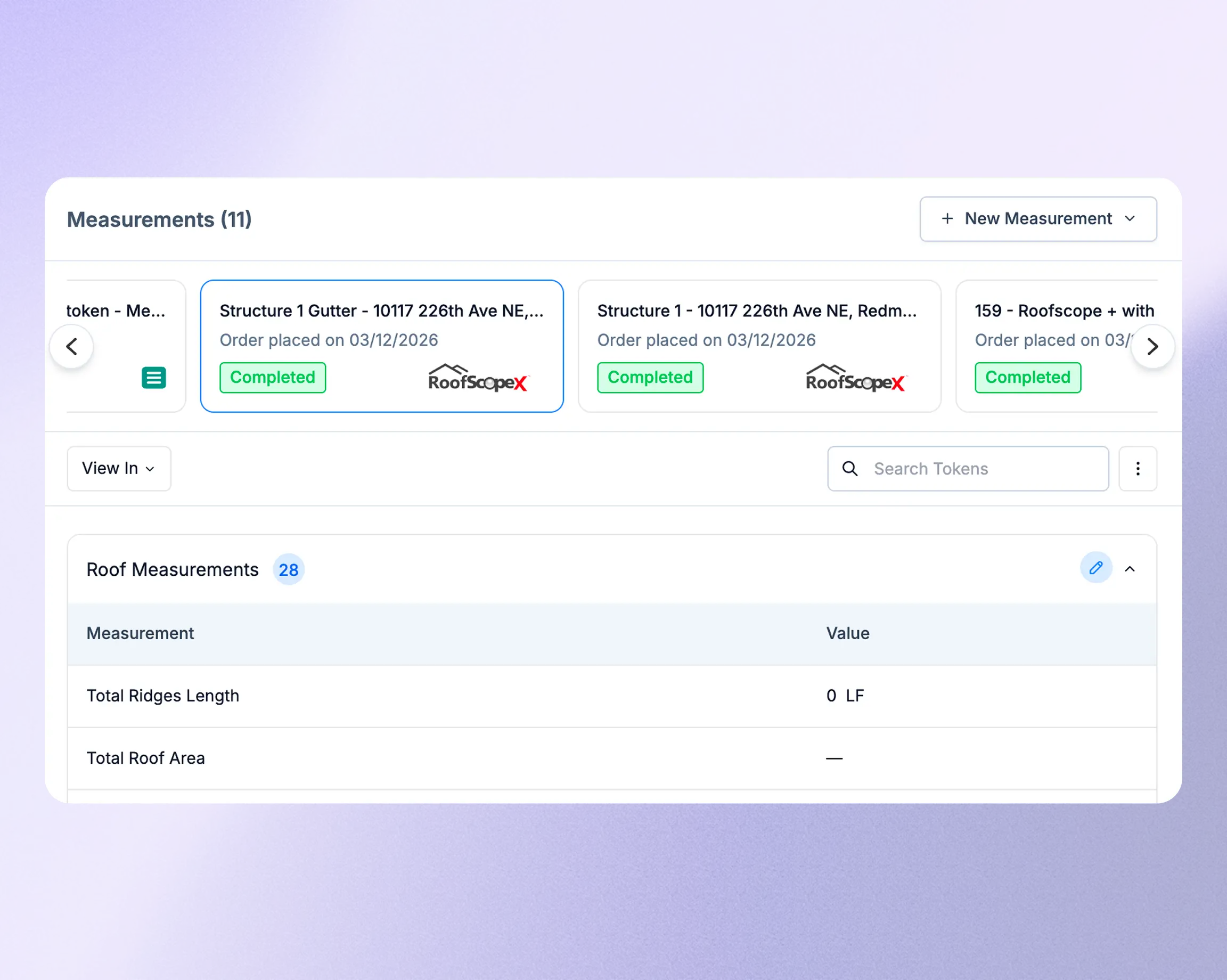
Go to the Measurements tab on any job, select RoofScope, and pick your report type: RoofScopeX, RoofScope, RoofScope+, GutterScope, or SidingScope. Set property type, delivery speed, and auxiliary buildings. For insurance work, attach the claim number and date of loss right on the order.
Data shows up on the job when it's ready
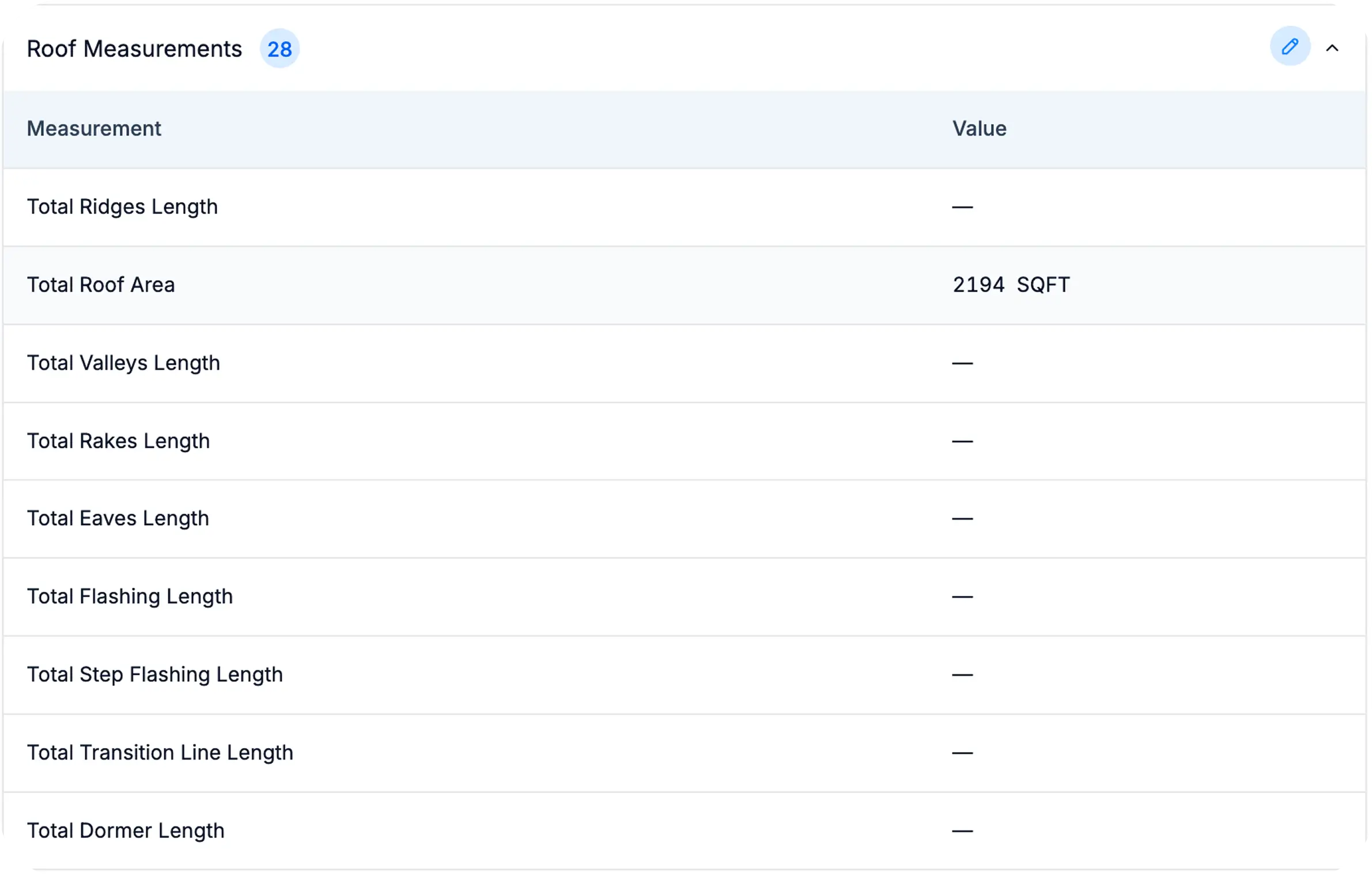
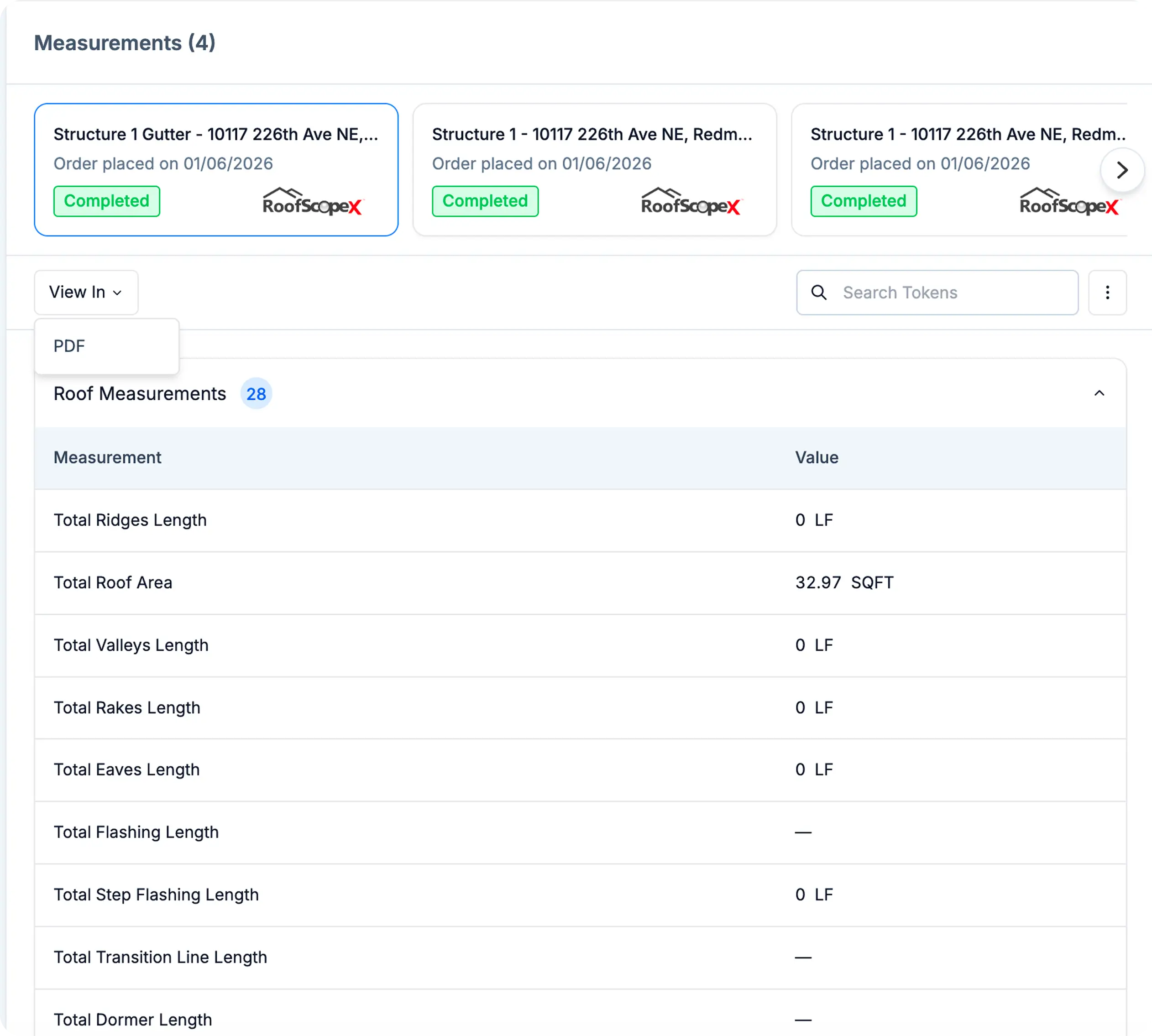
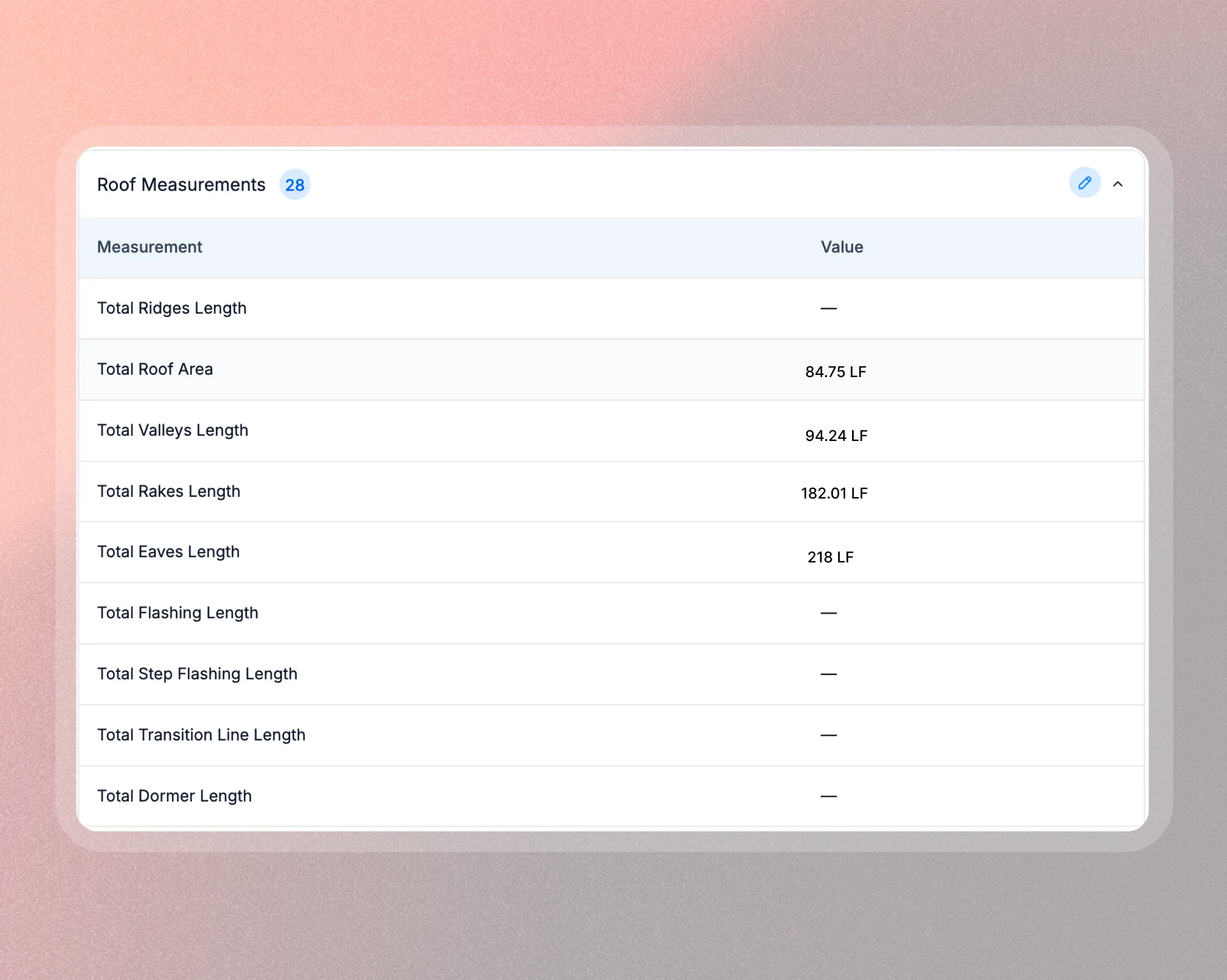
When the report is ready, the numbers land in Zuper: total squares, roof planes, edgings, pitches, all mapped to your measurement tokens. Already have a RoofScope project for that address? Link the existing project instead of reordering.
Check it, change it, grab the PDF
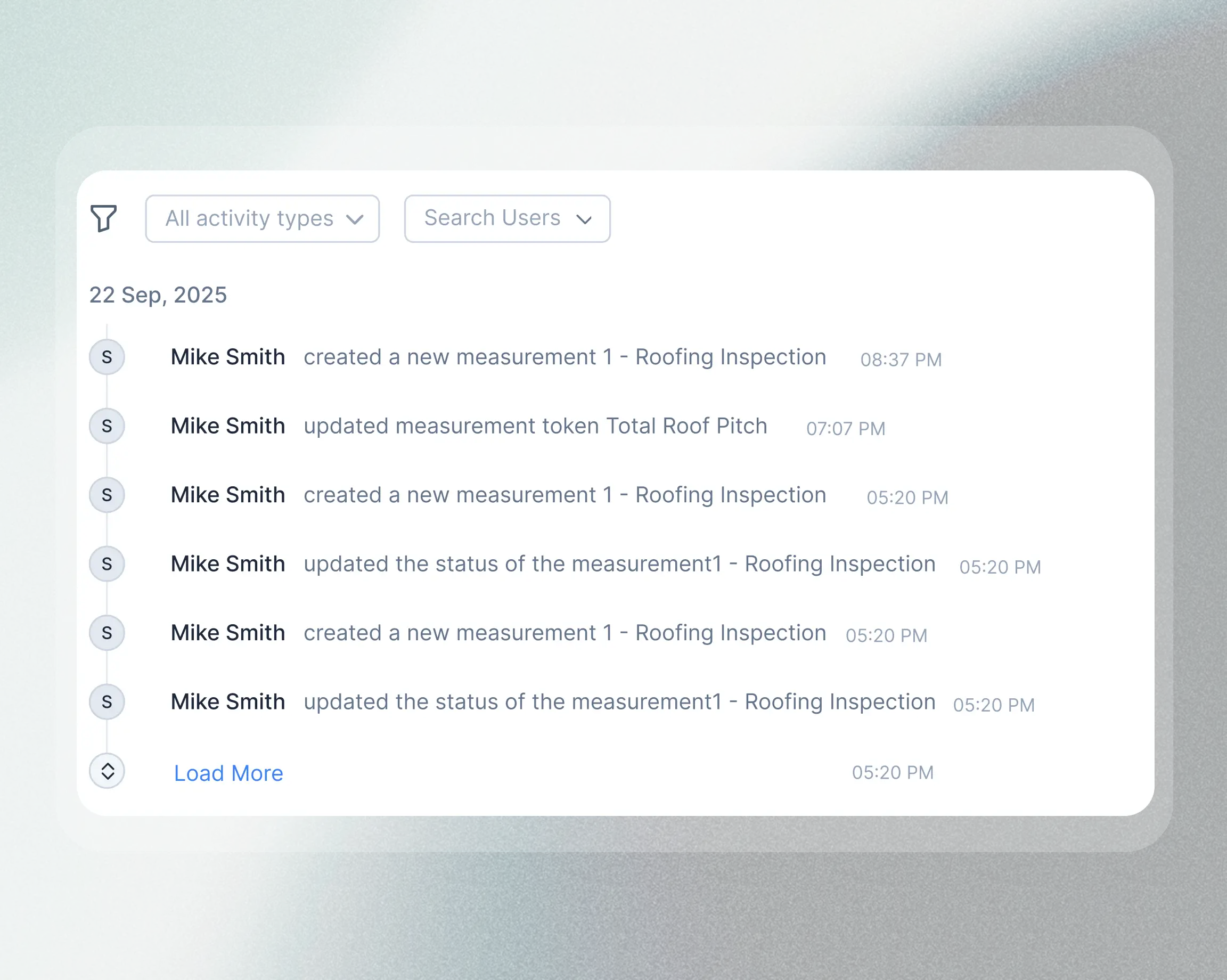
View synced values on the measurement card, download the PDF, or edit fields if your crew caught something the aerial missed. Every edit is labeled and logged in Job Activity. Removing a measurement unlinks it from the job; the RoofScope project stays in your account.
Why your team will actually use this
One workflow for five report types
RoofScopeX, RoofScope, RoofScope+, GutterScope, SidingScope. All available from the same Measurements tab on every job. You don't need to open another app or remember another password.
The numbers show up where the work happens
Measurement data syncs into the Zuper job and maps to your standard tokens. Nobody has to retype a pitch or a ridge length from a PDF.
Insurance context stays attached
Claim number and date of loss go on the order, not into a sticky note or a separate spreadsheet. When you revisit the job weeks later for a supplement, the details are sitting right there.
Every change is tracked
Edit a measurement after a site visit and Zuper logs it. Unlink a project and re-link a different one, that's logged too. Anyone on your team can open the job and see exactly what happened and when.
Put your RoofScope reports where your jobs are
Setup takes about five minutes. We'll walk you through connecting the accounts and show you the full order-to-sync workflow using real jobs from your account.
