Back to Videos
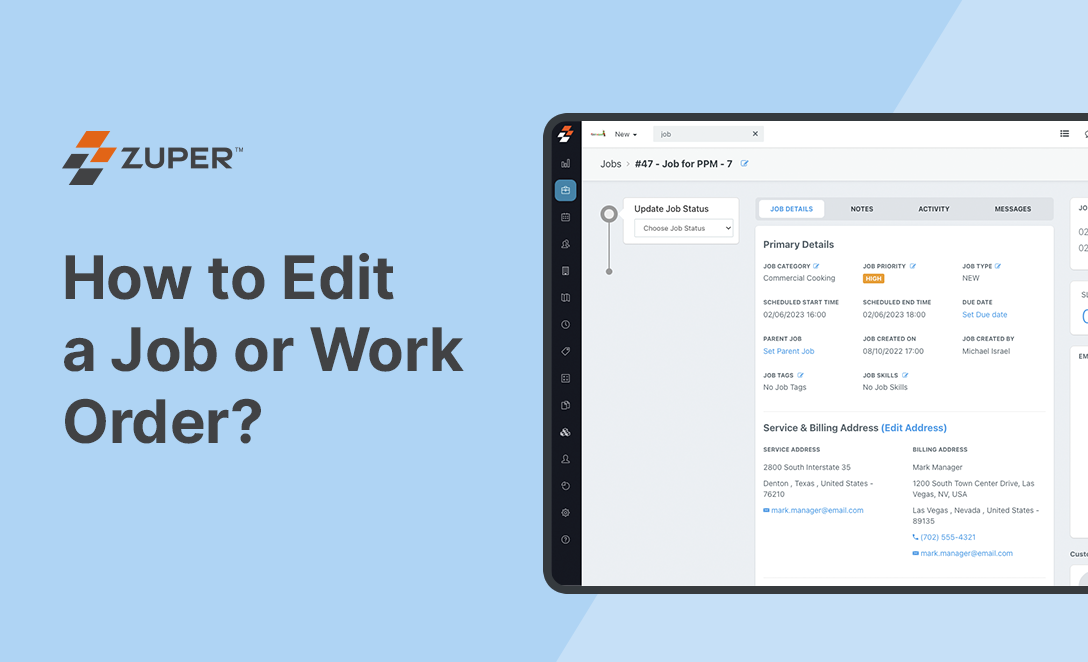
How to Edit a Job or Work Order
SolutionsWork Order Management
In this video, we are going to show you how to edit a Job or Work Order on Zuper’s Jobs module. Please note that once a job is created, it is non-editable with an exception of few fields like Job Title, Priority, Tags, Service and Billing addresses, parts and services, and custom fields.
Like this Video? Share it with your friends